



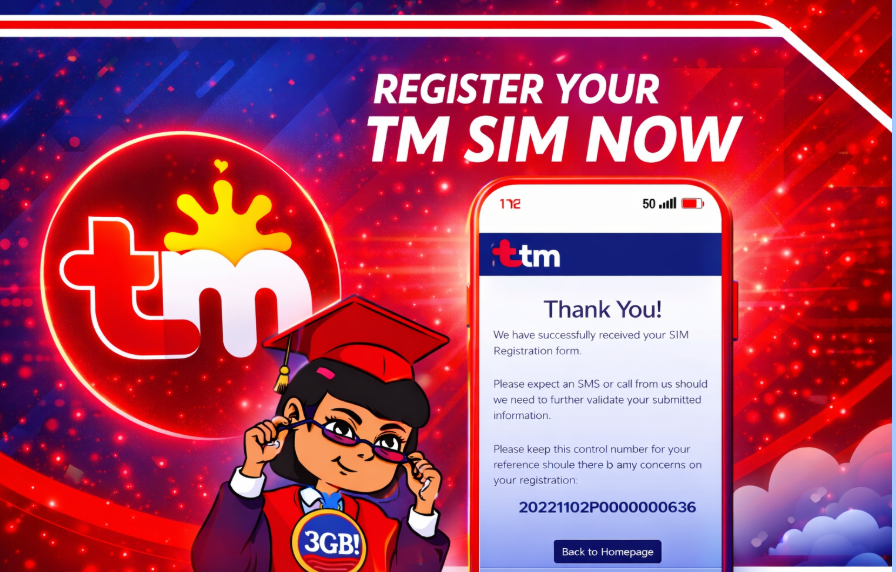
Got a new TM SIM? Or still using your old Touch Mobile number? Either way, you need to complete your TM SIM registration to keep your number active and avoid service interruption.
The TM register process is quick, fully online, and completely free. Below is a clear and easy guide to help you finish your registration without confusion.
Why TM SIM Registration Is Required
Under the SIM Registration Act (RA 11934) in the Philippines, all SIM cards must be linked to a verified user. This law was created to reduce scams, spam messages, and fraudulent mobile activities.
If you do not complete your TM SIM registration, your SIM can be deactivated. That means no calls, no texts, and no mobile data access.
What You Need Before You Start
Prepare the following before beginning the TM register process:
For Filipino Users:
- One valid government-issued ID (National ID, Passport, Driver’s License, UMID, Voter’s ID, SSS/GSIS ID)
- A clear selfie photo
- Your active TM SIM inserted in your phone
For Foreign Nationals:
- Passport
- Proof of stay in the Philippines
- Return ticket (for tourists)
Make sure your SIM has signal because you will receive a one-time password (OTP) during verification.
How to Complete TM SIM Registration Online
Follow these simple steps:
Step 1: Visit the Official TM Registration Website
Go to the official TM or Globe SIM registration portal.
Step 2: Enter Your TM Mobile Number
Type your 11-digit TM number and request the OTP.
Step 3: Verify the OTP
Enter the one-time password sent to your TM SIM.
Step 4: Fill Out Your Personal Information
Provide accurate details including:
- Full name
- Date of birth
- Address
- Gender
- Nationality
Ensure everything matches your valid ID.
Step 5: Upload Your ID and Selfie
Upload a clear image of your ID and submit a selfie for identity verification.
Step 6: Submit the Form
Review your details and submit the registration form. You should receive a confirmation message once your TM SIM registration is successful.
How Long Does TM SIM Registration Take?
The entire process usually takes 5 to 10 minutes if your documents are ready. In most cases, confirmation is immediate after submission.
Common Problems and Easy Fixes
OTP Not Received
Check your signal strength, restart your phone, and request a new OTP after a few minutes.
ID Upload Failed
Make sure the photo is clear, properly framed, and taken in good lighting. Avoid blurry or cropped images.
Website Not Loading
Try using a different browser, clear your cache, or switch to a more stable internet connection.
TM SIM Registration for Minors
If the SIM belongs to someone under 18 years old, it must be registered under a parent or legal guardian’s name using their valid ID.
Is TM SIM Registration Free?
Yes. TM SIM registration is completely free. Always use the official registration portal and avoid third-party websites asking for payment.
Final Thoughts
Completing your TM SIM registration is simple and necessary. It protects your mobile number, prevents fraud, and ensures uninterrupted service. If you haven’t finished your TM register process yet, it’s best to complete it as soon as possible to avoid deactivation.
Refresh Date: February 26, 2026